UNDERDOG
STUDIO 1.6.0: Your sounds. Seven banks.
Seven preset banks, a new Preset Manager and a clearer saving workflow on CHUCK. Discover STUDIO 1.6.0 and the matching CHUCK firmware.
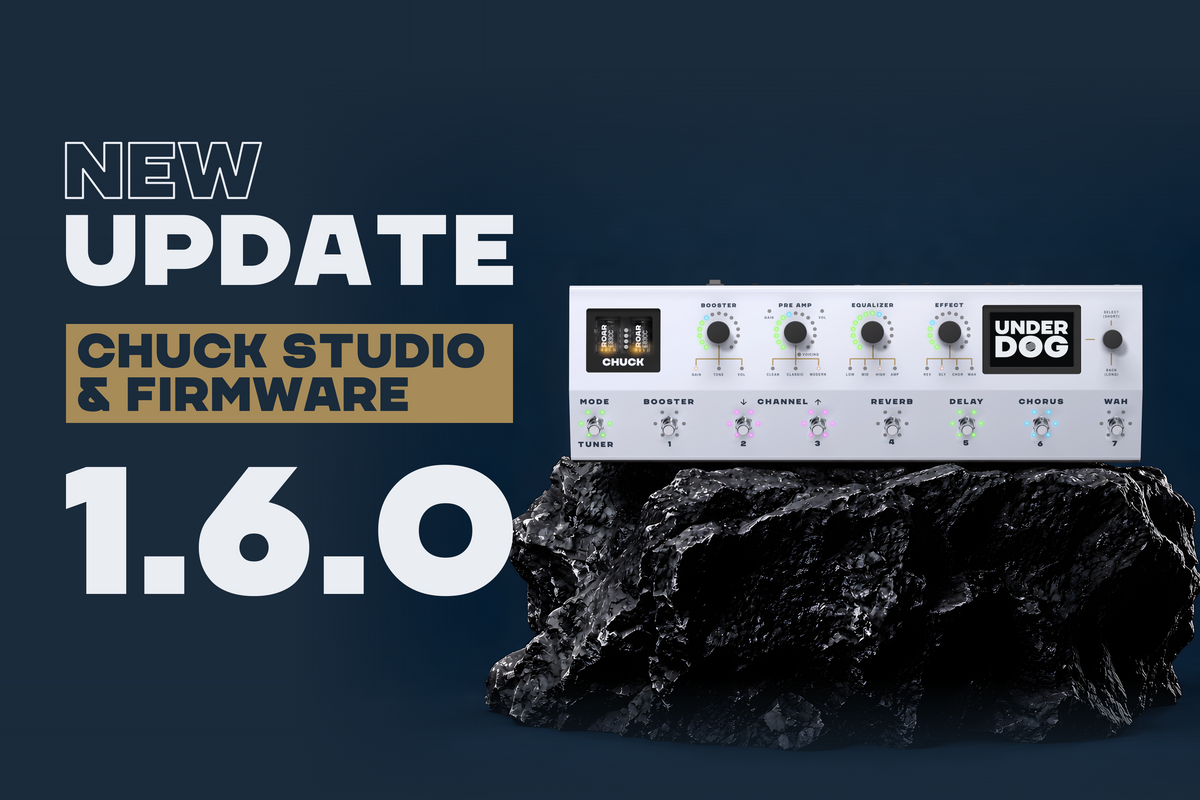
STUDIO 1.6.0 + CHUCK firmware v1.6.0
More room for your sounds. More control over your workflow.
Your sounds deserve room to grow. With STUDIO 1.6.0, seven preset banks come to CHUCK, alongside a new Preset Manager in STUDIO. Organise your sounds on screen, then select a bank directly with your feet.
Seven banks. Ready under your feet.
In CHUCK’s Preset Mode, a long press on footswitches 1–7 selects the corresponding preset bank. The new Preset Manager in STUDIO gives you Bank View and Matrix View, so you can work with an individual bank or see how your sounds are arranged across the banks.

Prefer a brighter workspace? The preset overview is also available in Light theme.

A new way to save on CHUCK
The saving gesture changes in 1.6.0. Long presses on footswitches 1–7 select banks, rather than saving a preset. To save a preset on CHUCK:
- Tap the Mode footswitch three times. It starts blinking.
- Choose a bank if needed. Long-press one of footswitches 1–7.
- Choose the destination slot. Short-press one of footswitches 1–7 once.
Overwriting an existing preset also requires confirmation.
Go from Easy to Expert
Dial in an effect with Easy Settings, then copy those settings into Expert Mode to continue refining it. For precise adjustments, double-click an Expert Effect parameter to enter its value directly.
STUDIO also adds a Discard option for unsaved changes, giving you a clear way to leave edits behind when you decide to start again.
More control over your IRs
The IR Loader’s high-cut and low-cut filters gain variable slopes: 12, 24 or 48 dB. Choose the filter slope as you refine how the cabinet response sits in your setup.
Clearer feedback. Smoother operation.
CHUCK gains an info overlay when Delay is disabled in Tap Mode, along with consistent font sizes. Delay timing indicators and overlays receive fixes, and changing an inactive effect no longer restarts the active effects.
The update also addresses Chorus behaviour, Main Equalizer startup and rendering stability, and a High-Shelf/gain combination that could cause an excessive overall gain increase. Main Volume output selection and output order are corrected too.
Before you update
Save your current setup as a Device Clone in STUDIO before transferring firmware. STUDIO and the matching CHUCK firmware belong together; the 1.6.0 package includes firmware v1.6.0.
Read the complete 1.6.0 release notes for every addition, workflow change and fix. Visit Software & Downloads for the currently available version and update instructions.